
This is a Canon product user manual, which introduces how to use the product's functions and features
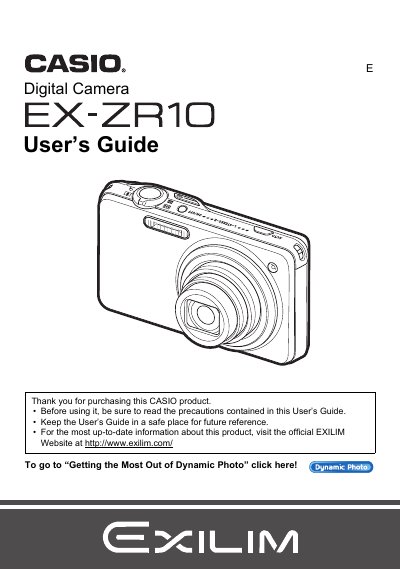
The Casio EX-ZR10 is a digital camera featuring advanced imaging capabilities such as Dynamic Photo technology, which allows users to insert built-in subjects into snapshots or movies. The device supports high-definition video recording and various creative modes like HDR Art and Multi SR Zoom for enhanced image quality.
This manual provides comprehensive instructions on unpacking the camera, configuring initial settings, operating the control panel, and utilizing specific features such as Continuous Shutter (CS), Face Detection, and DPOF printing. It also details how to transfer data between the camera and computers running Windows or Macintosh.
| Battery Type | Rechargeable lithium ion battery (NP-110) |
|---|
The manual lists 'Supported Memory Cards' as a section, but does not specify the exact types in the provided text.
To format a new memory card, you must load it into the camera and follow the instructions for initializing it.
Yes, the EX-ZR10 allows you to shoot a snapshot while shooting a movie.