
This is a user manual for a Casio digital camera, which introduces the camera's usage methods and precautions.
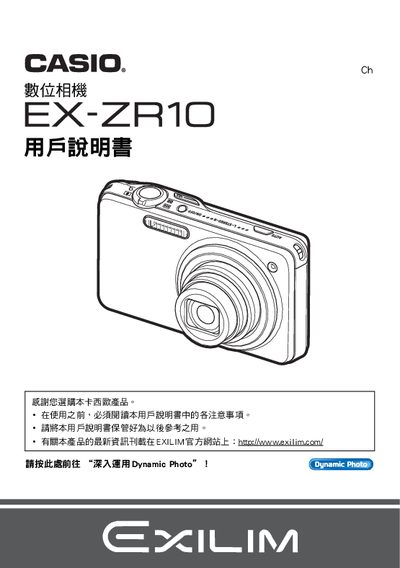
The guide starts with safety notices and unpacking instructions, showing how to verify the included items such as the NP‑110 rechargeable battery and charger. It then walks the user through basic handling, power‑on procedures, and quick‑start functions like auto‑focus and shooting modes.
Further sections cover advanced functions such as Dynamic Photo creation, image printing via DPOF, HDMI and USB output settings, language selection, power‑saving options, and memory management including formatting and resetting the camera. Battery care, firmware updates, and troubleshooting tips are also provided. This manual is written in Chinese.
| LCD pixel yield | 99.99% |
|---|---|
| Dynamic Photo image size | 640 × 480 pixels |
Remove the old battery and insert a new NP‑110 rechargeable battery as shown in the battery replacement section.
Connect the camera to a TV using an AV cable as described in the HDMI/AV output section.
Select the desired language in the language setting menu.