
This manual introduces the basic operations of the digital camera.
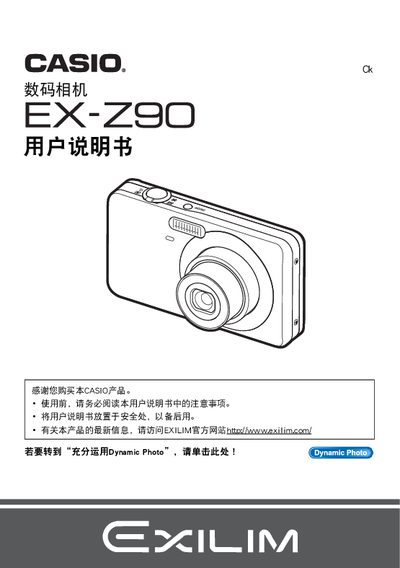
This manual explains how to set up the EX‑Z90, including battery installation, initial configuration, and basic operation such as taking photos, using the BEST SHOT mode, and adjusting ISO and focus settings. It also covers playback functions, image editing, and how to format the internal memory.
Additional sections describe connecting the camera to a computer or printer via USB, PictBridge, or Eye‑Fi, using Dynamic Photo Manager, and troubleshooting common issues. Safety warnings and warranty information are provided at the beginning of the document. This manual is written in Japanese.
| Maximum image resolution | 640 × 480 pixels |
|---|---|
| Pixel pass rate | 99.99 % or higher |
Select the Format (Initialize) option in the menu to re‑initialize the storage.
Use the PictBridge function and DPOF settings to send images to a compatible printer.
Connect the camera via USB or use Eye‑Fi to wirelessly transfer images.