
This is a user manual for a digital camera, which introduces the camera's usage methods and precautions.
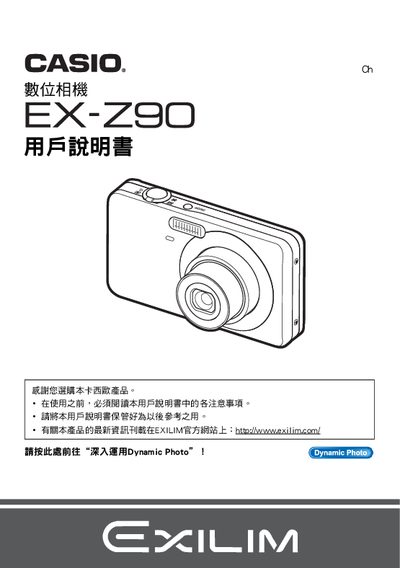
This manual explains how to unpack the camera, check the included items, and charge the NP‑60 rechargeable battery with the supplied C‑60L charger before first use. It covers basic operation such as power on/off, handling, and using the control panel for common shooting functions.
Later sections describe advanced features like self‑timer, auto‑shutter, image quality settings, printing snapshots via PictBridge printers, and connecting to computers or mobile devices. The guide also includes power‑management tips, battery replacement, and a troubleshooting chapter for common issues. This manual is written in Japanese.
| Battery type | NP-60 rechargeable battery |
|---|---|
| Charger model | C-60L |
| Motion JPEG resolution | 640 × 480 pixels |
| LCD pixel pass rate | 99.99 % |
Charge the NP‑60 rechargeable battery with the supplied C‑60L charger before first use.
Yes, the camera supports PictBridge compatible printers for direct printing of snapshots.
Select the self‑timer option on the control panel to set a delayed shutter release.
Charge the battery first, then turn on the camera and perform a test shot to confirm operation.