
Casio EX-Z90 Digital Camera User's Guide

This is a user manual for a Casio digital camera.
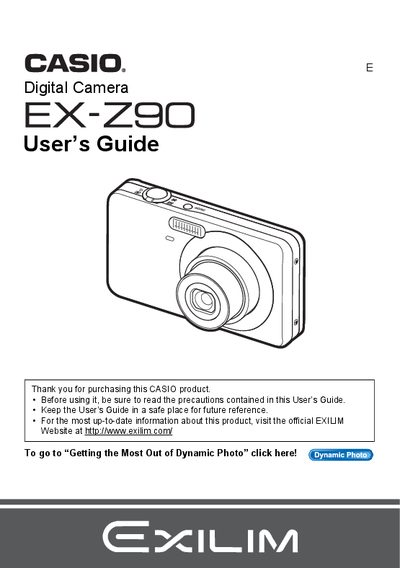

Casio EX-Z90 Digital Camera User's Guide - cover page
Brand
Casio
Category
Digital cameras
Document type
User Manual
Language
English
Pages
193
File format
PDF
File size
5.9 MB
Published
06 June, 2012
Updated
30 September, 2023
Model
EX-Z90
MD5 checksum
D66642A26A5F44350884D72A740CBCE7

About this manual

This manual provides comprehensive instructions for using the Casio EX-Z90 digital camera. It covers initial setup steps such as unpacking, charging the NP-60 battery, and formatting memory cards. The guide details how to operate the camera's control panel, utilize various shooting modes like Easy Mode, Face Detection, and Dynamic Photo, and adjust settings for image quality, white balance, and flash.

What's inside

  • Unpacking
  • General Guide
  • Quick Start Basics
  • Snapshot Shooting
  • Recording Movie Images
  • Using BEST SHOT
  • Advanced Settings
  • Viewing Snapshots and Movies
  • Printing
  • Specifications

Specifications

Battery TypeRechargeable lithium ion battery (NP-60)
Charger UnitBC-60L

Frequently asked questions

What battery is required to power the camera?

The camera uses a rechargeable lithium ion battery with the model number NP-60.

How can I verify that all items were included in my package?

You should check to make sure that all items shown in the list are present when you unpack your camera.

What steps should I take before shooting my final image?

You must shoot a test shot first to ensure that the camera is recording correctly.

Download PDF (5.9 MB)

More Casio Manuals


View all Casio manuals →