
This is the user guide for a CASIO EXILIM EX-Z60 digital camera
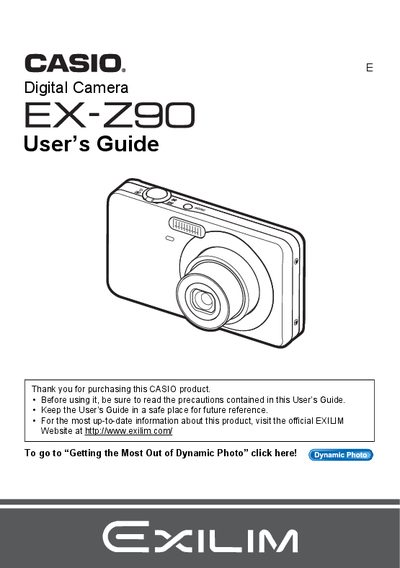
The Casio EX-Z9 is a digital camera designed for capturing snapshots and recording movies. This guide explains how to charge the NP-60 battery, load memory cards, and turn the device on and off. It details various shooting features including Face Detection, Auto Focus Area selection, ISO sensitivity settings, and the use of Flash.
| Battery Type | Rechargeable lithium ion battery (NP-60) |
|---|---|
| Charger Unit Model | BC-60L |
The manual lists a section for Supported Memory Cards, though specific formats are not detailed in the provided text.
You can format (initialize) a new memory card using the camera's menu system as described in the manual.
Yes, the guide includes instructions for uploading movie files directly from the camera to YouTube.