
This is the user manual of Casio EX-Z850 digital camera
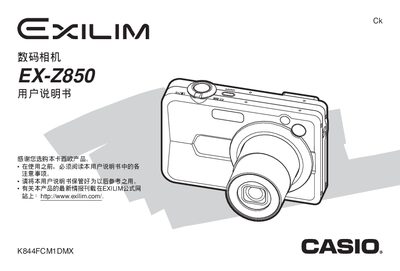
This manual explains how to set up and operate the Casio EX‑Z850 digital camera. It covers basic functions such as powering on, inserting the battery and memory card, selecting shooting modes, using playback features, and managing files on the camera.
Additional sections describe advanced features like BEST SHOT and Business Shot shooting modes, video recording, USB and PictBridge printing, battery charging, power requirements, and detailed technical specifications of the camera and its accessories.
| Dimensions | 38.3 mm × 38.0 mm × 9.3 mm |
|---|---|
| Weight | 34 g |
| Battery capacity | 1230 mAh |
| Power consumption | 3.2 W |
| Input voltage | 100 V – 240 V AC, 50/60 Hz |
| Output | 3.3 V, 600 mA |
| Battery model | NP‑40 |
Insert the battery into the camera and connect the supplied AC adapter as described in the charging section.
Connect the camera to a computer via the USB port; the manual provides the USB interface details.
Select the BEST SHOT mode on the camera to enable the optimal shooting settings described in the BEST SHOT section.