
This is a user manual for a Casio digital camera. It introduces the camera's features and usage methods.
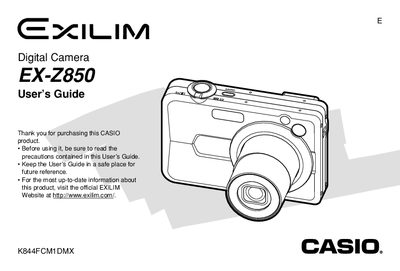
This document is the official User's Guide for the Casio EX-Z850 digital camera. It provides comprehensive instructions on unpacking the device, charging the NP-40 battery, and configuring initial settings such as display language and clock time.
The guide details how to record still images and movies using various modes including Auto Focus, Macro, and Continuous Shutter. It also covers playback functions like zooming, resizing, cropping, and editing movies, as well as file management, printing via PictBridge, and transferring data to computers.
| Battery Type | Rechargeable Lithium ion Battery (NP-40) |
|---|---|
| Rated Capacitance | 1230 mAh |
| Operating Temperature Range | 0°C to 40°C (32°F to 104°F) |
| Battery Dimensions | + 38.5(W) X 38.0(H) x 9.3(D) mm |
| Battery Weight | Approximately 34 g (1.2 oz) |
The battery operates within a temperature range of 0°C to 40°C (32°F to 104°F).
You can charge the battery using the Special AC Adaptor or by connecting it to a USB Cradle.
Yes, you can configure print settings for single or all images using PictBridge or USB DIRECT-PRINT.