
This is the user manual of a Casio EX-Z850 digital camera, which introduces the features and usage of the camera.
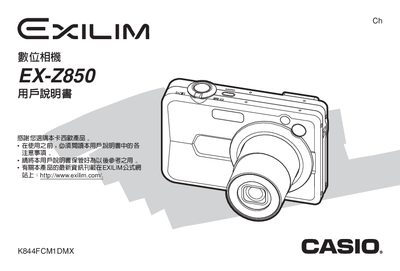
This manual covers everything you need to start using the EX‑Z850 digital camera, from unboxing and checking accessories to installing the rechargeable NP‑40 battery and powering the device. It explains basic functions such as power‑on, power‑saving settings, language and clock configuration, and how to connect the camera to a computer via the USB dock.
Advanced sections describe the various shooting modes—including flash, self‑timer, focus options, white‑balance adjustments, continuous shooting, BEST SHOT, Business Shot, and MOVIE BEST SHOT—along with playback, memory‑card handling, PictBridge printing, and troubleshooting tips.
| Camera weight | ≈34 g |
|---|---|
| Battery type | NP‑40 rechargeable lithium‑ion battery |
| Battery capacity | 1230 mAh |
| Battery voltage | 32 V |
| Power consumption | ≈3.2 W (3.3 V DC) |
| USB dock dimensions | 107 mm × 33 mm × 66 mm |
| USB dock weight | ≈67 g |
| AC adapter input voltage | 100‑240 V AC, 50/60 Hz |
| AC adapter output | 3.3 V DC, 630 mA |
Open the battery compartment, remove the depleted NP‑40 battery, and insert a fully charged one.
Use the menu to access the language and clock settings, then select the desired language and adjust the date and time.