
This manual introduces the use of CASIO EX-Z57 digital camera, including unpacking, features, precautions, introductory guide, preliminary preparation, basic image shooting, other shooting functions, playback and other contents.
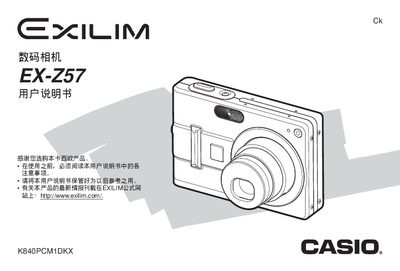
This manual explains how to operate the EX‑Z57 camera, covering basic functions such as shooting modes, playback, USB connection, and special features like BEST SHOT and PictBridge. It also includes step‑by‑step procedures for battery replacement, memory management, and firmware installation.
Safety precautions, warranty information, and detailed technical specifications are provided, along with guidance for using the camera with Windows and Macintosh computers and for connecting external accessories such as the AC adapter and USB dock. This manual is written in Japanese.
| Weight | 34 g |
|---|---|
| Input Voltage (Adapter) | 100‑240 V AC, 50/60 Hz, 83 mA |
Read all safety notes, keep the camera in a safe place, and follow the warnings listed in the manual before operation.
Open the battery compartment, remove the old battery, insert the new battery, and close the compartment as described in the manual.
Use the supplied USB cable and follow the steps in the manual to install the driver and transfer images.
BEST SHOT is a shooting mode that automatically selects optimal settings for the scene to produce the best possible photo.