
This is a user manual for Casio EX-Z57 digital camera
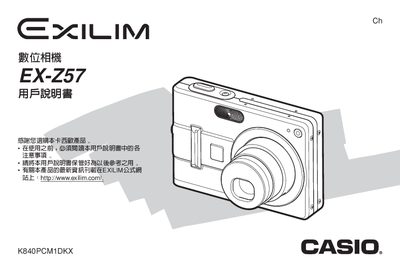
This user manual covers everything needed to get started with the Casio EX‑Z57 digital camera, from unpacking and checking accessories to configuring shooting modes, flash, white balance, and special functions such as BEST SHOT and Business Shot. Detailed instructions are provided for battery charging, memory card handling, and connecting the camera to a computer via the USB base.
The guide also explains playback features, image editing, creating and managing albums, installing the supplied software from the CD‑ROM, and technical specifications such as power requirements, dimensions, and operating temperature. Safety notices and warranty information are included at the end of the document. This manual is written in Chinese.
| Battery nominal voltage | 3.7 V |
|---|---|
| Battery capacity | 1230 mAh |
| Operating temperature range | 0 °C to 40 °C |
| Dimensions (W × H × D) | 104 mm × 32 mm × 70 mm |
| Weight | ≈ 718 g |
| Power consumption | 3.2 W (5.3 V DC) |
| Input/Output terminals | Camera connector, USB port, AC power input |
| AC adapter input voltage | 100 V–240 V AC, 50/60 Hz |
Insert the NP‑40 rechargeable battery into the camera and follow the charging procedure described in the manual.
Use the USB base (CA‑27) that comes with the camera and install the supplied software from the CD‑ROM to transfer images.
The adapter accepts 100 V to 240 V AC at 50 Hz or 60 Hz.
Select the option “如何删除全部档案” in the playback menu to erase all files.