
Key facts
- Brand
- Casio
- Model
- EX-Z2300
- Category
- Digital cameras
- Industry
- Electronics
- Documents
- 2
- Languages
- EN · JA
- Last added
- 2012-06-06
Start here
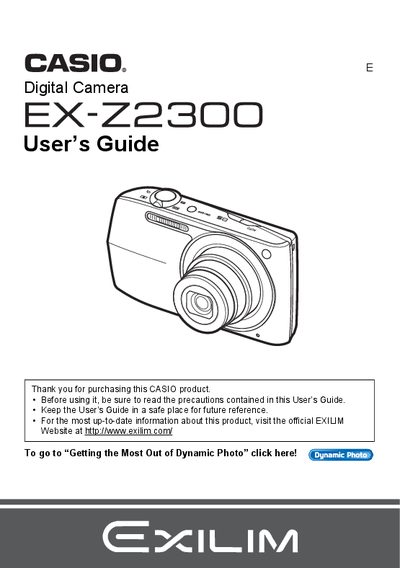
casio digital camera EX-Z2300 User s Guide
The Casio EX-Z23 is a compact digital camera designed for capturing snapshots and recording movies. This guide explains how to charge the NP-110 battery, configure initial settings, and operate the camera's control panel and on-screen menus. It details features such as Face Detection, Auto Focus Area selection, and various image quality settings including Super Resolution Quality.
Read onlineAll Casio EX-Z2300 documents by type
Day-to-day operation, settings and troubleshooting. Start here if the product is already set up.
Questions answered in these manuals
What happens if I see dead pixels on the LCD panel?
Some very small number of pixels may not light or remain lit due to the characteristics of the liquid crystal panel, and this does not indicate a malfunction.
What items are included in the camera package?
The package includes a rechargeable lithium ion battery, a charger unit, a power cord, a USB cable, an AV cable, and a CD-ROM.
How do I charge the EX‑Z2300 battery?
Insert the NP‑110 battery and use the BC‑110L charger to charge it before first use.
Can I print photos directly from the camera?
Yes, connect the camera to a PictBridge‑compatible printer and use the direct‑print function.