
Key facts
- Brand
- Casio
- Model
- EX-Z29
- Category
- Digital cameras
- Industry
- Electronics
- Documents
- 4
- Languages
- EN · JA
- Last added
- 2012-06-06
Start here
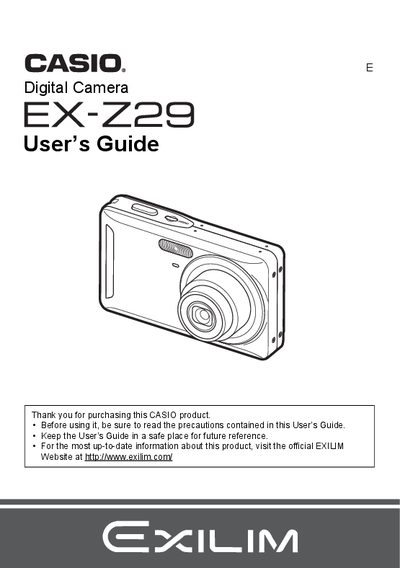
Casio EX-Z29 Digital Camera User's Guide
The Casio EX-Z29 is a compact digital camera designed for capturing snapshots and movies. This manual provides instructions on unpacking the device, charging the NP-60 battery, and configuring initial settings such as date/time and language preferences.
Key features covered include snapshot shooting with face detection and anti-shake technology, movie recording, and various playback functions like slideshow and image resizing. The guide also details how to connect the camera to a computer for file transfer and printing via PictBridge.
Casio EX-Z29 specifications
| Battery Type | Rechargeable lithium ion battery (NP-60) |
|---|---|
| Charging Time | 90 minutes |
| Input Power (Charger) | 100 to 240 V AC, 80 mA, 50/60 Hz |
| Output Power (Charger) | 4.2V DC, 600 mA |
All Casio EX-Z29 documents by type
Day-to-day operation, settings and troubleshooting. Start here if the product is already set up.
Questions answered in these manuals
What battery is required for the EX-Z29?
The camera requires a rechargeable lithium ion battery (NP-60).
How long does it take to charge the battery?
The charging time is 90 minutes.
What battery is required for the EX-Z29?
The camera requires a Rechargeable lithium ion battery (NP-60).
How long does it take to charge the battery?
It takes 90 minutes to fully charge the NP-60 battery using the BC-60L charger.
What items should be checked when opening the EX‑Z29 package?
Verify that the camera, NP‑60 rechargeable battery, BC‑60L charger, USB cable, AV cable, and CD‑ROM are all present.
How long does it take to fully charge the battery?
Charging the NP‑60 battery takes about 90 minutes.