
This document is a user manual for CASIO digital cameras, which introduces the precautions, packaging contents, and characteristics of the LCD panel of the product. It also mentions the importance of taking a few test shots to confirm that the camera is shooting normally.
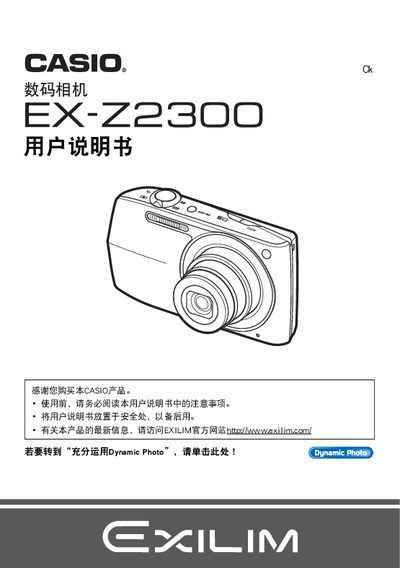
This manual explains how to set up and operate the Casio EX‑Z2300 digital camera, covering safety precautions, battery installation, charging, and basic shooting functions. It also details advanced features such as ISO adjustment, image quality settings, and connectivity options.
Additional sections describe how to playback, delete, and print photos, as well as how to transfer images to a PC or mobile device. Troubleshooting guidance and warranty information are provided at the end of the document. This manual is written in Japanese.
| Image resolution | 640 x 480 pixels |
|---|---|
| Battery charger model | BC-110L |
Insert the NP‑110 battery and use the BC‑110L charger to charge it before first use.
Yes, connect the camera to a PictBridge‑compatible printer and use the direct‑print function.
Connect the camera to a PC via the USB port and browse the stored files.