
This document is a user guide for CASIO digital camera, providing information on precautions, unpacking check, and list of accessories.
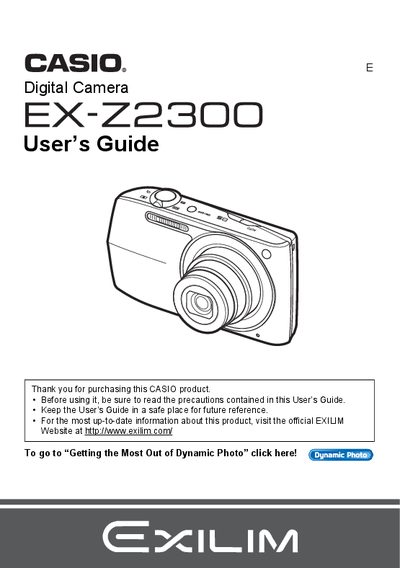
The Casio EX-Z23 is a compact digital camera designed for capturing snapshots and recording movies. This guide explains how to charge the NP-110 battery, configure initial settings, and operate the camera's control panel and on-screen menus. It details features such as Face Detection, Auto Focus Area selection, and various image quality settings including Super Resolution Quality.
| Battery Type | Rechargeable lithium ion battery (NP-110) |
|---|---|
| Charger Unit | BC-110L |
Some very small number of pixels may not light or remain lit due to the characteristics of the liquid crystal panel, and this does not indicate a malfunction.
The package includes a rechargeable lithium ion battery, a charger unit, a power cord, a USB cable, an AV cable, and a CD-ROM.
You should visit the official EXILIM Website at www.exilim.com for the most current information.