
Key facts
- Brand
- Casio
- Model
- EX-Z2
- Category
- Digital cameras
- Industry
- Electronics
- Documents
- 2
- Languages
- EN · JA
- Last added
- 2012-06-06
Start here
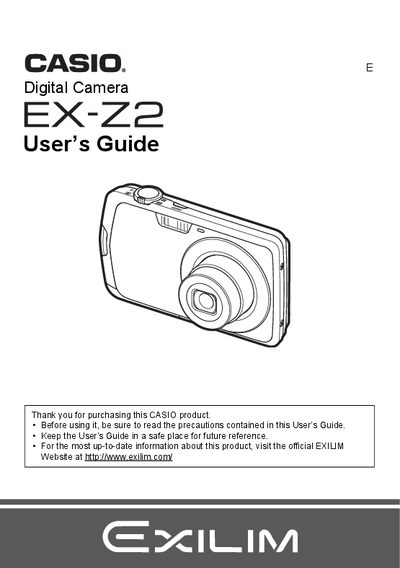
Casio EX-Z2 Digital Camera User's Guide
This manual provides comprehensive instructions for operating the Casio EX-Z2 digital camera. It covers initial setup steps such as charging the NP-80 battery and loading a memory card, along with basic operations like turning the camera on and off. The guide details how to capture snapshots and movie images using various settings including face detection, anti-shake, and zoom controls.
Read onlineCasio EX-Z2 specifications
| Battery Rated Voltage | 3.7V |
|---|---|
| Battery Rated Capacitance | 700 mAh |
| Charger Input Power | 100 to 240 V AC, 80 mA, 50/60 Hz |
| Charger Charging Time | 100 minutes |
All Casio EX-Z2 documents by type
Day-to-day operation, settings and troubleshooting. Start here if the product is already set up.
Questions answered in these manuals
What battery is included with the camera?
The package includes a rechargeable lithium ion digital camera battery (NP-80).
How long does it take to charge the battery?
It takes approximately 100 minutes to fully charge the NP-80 battery using the BC-80L charger.
How long does it take to fully charge the battery?
Charging the battery with the BC‑80L charger takes about 100 minutes.
How can I connect the camera to a computer?
Use the supplied USB cable to connect the camera to a computer for file transfer.