
Key facts
- Brand
- Casio
- Model
- EX-V7
- Category
- Digital cameras
- Industry
- Electronics
- Documents
- 4
- Languages
- EN · ZH
- Last added
- 2012-06-06
Start here
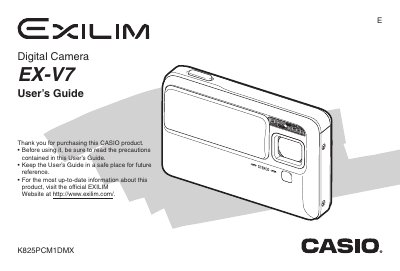
Casio EX-V7 Digital Camera User's Guide
The Casio EX-V7 is a compact digital camera designed for capturing high-quality snapshots and movies. This manual provides instructions on unpacking the device, charging the NP-50 battery, and configuring initial settings such as language and date/time.
Key features include various shooting modes like Easy Mode and Best Shot, advanced functions such as Auto Framing for tracking moving subjects, and extensive image editing capabilities directly on the camera. The guide also details how to transfer images to a computer using the included USB Cradle (CA-35) or cable, print photos via DPOF settings, and manage files.
Casio EX-V7 specifications
| Battery Type | Rechargeable Lithium Ion Battery (NP-50) |
|---|---|
| USB Cradle Model | CA-35 |
| AC Adaptor Input | -100 to 240 V AC 50/60Hz |
| AC Adaptor Output | 5.3 V DC 650 mA |
| USB Cradle Dimensions | 111 (W) x 30 (H) x 71 (D) mm |
| USB Cradle Weight | Approximately 69 g |
All Casio EX-V7 documents by type
Day-to-day operation, settings and troubleshooting. Start here if the product is already set up.
Questions answered in these manuals
What battery is required for the Casio EX-V7?
The camera requires a Rechargeable Lithium Ion Battery, model NP-50.
What is the input voltage for the Special AC Adaptor?
The adaptor accepts an input of -100 to 240 V AC at 50/60Hz.
How do I reset the camera to its factory defaults?
Select the Reset option in the camera’s on‑screen menu to restore all settings to the initial factory defaults.
How do I charge the battery?
Place the camera on the USB base or connect the AC adapter; a full charge takes about 150 minutes.
How can I format the memory card?
Select the format option in the memory‑card menu to format the SD card.