
Key facts
- Brand
- Casio
- Model
- EX-H5
- Category
- Digital cameras
- Industry
- Electronics
- Documents
- 3
- Languages
- ZH
- Last added
- 2011-12-16
Start here
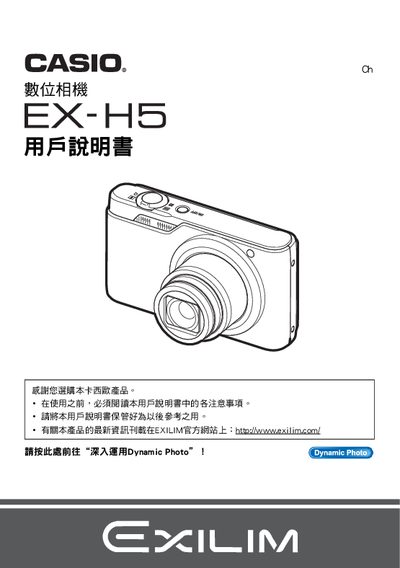
Casio EX-H5 Digital Camera User Manual
This manual guides you through unpacking the EX‑H5, installing the NP‑80 battery and charger (8C‑81D), and performing the initial charge before first use. It covers basic functions such as turning the camera on, holding it correctly, and taking still photos and videos.
Advanced sections explain how to use shooting modes like Auto Focus, Burst, ISO sensitivity, White Balance, and the Dynamic Photo feature. Connectivity options such as USB transfer, Eye‑Fi wireless, and PC software (Dynamic Studio) are described, along with troubleshooting and resetting the camera to factory defaults. This manual is written in Chinese.
Casio EX-H5 specifications
| LCD panel pixel yield | 99.99% |
|---|---|
| Motion JPEG resolution | 640 × 480 pixels |
| Battery model | NP‑80 |
| Charger model | 8C‑81D |
All Casio EX-H5 documents by type
Day-to-day operation, settings and troubleshooting. Start here if the product is already set up.
Questions answered in these manuals
Do I need to charge the battery before first use?
Yes, charge the battery before the first use of the camera.
How can I transfer photos to a computer?
Connect the camera via USB or use Eye‑Fi wireless SD card to transfer images.
How do I replace the battery?
The manual instructs to follow the steps under the “若要更換電池” section for battery replacement.
Can I transfer images wirelessly?
Yes, the camera supports wireless transfer using Eye‑Fi, as described in the “使用Eye‑Fi無線SD記憶本信還影像” section.