
Key facts
- Brand
- Casio
- Model
- EX-V8
- Category
- Digital cameras
- Industry
- Electronics
- Documents
- 3
- Languages
- EN · ZH
- Last added
- 2012-06-06
Start here
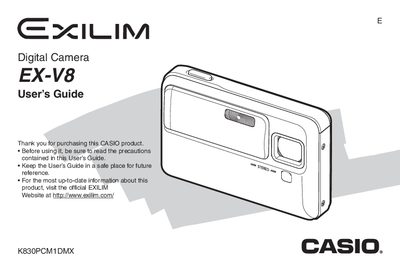
Casio EX-V8 Digital Camera User's Guide
The document serves as a comprehensive instruction manual for the Casio EX-V8 Digital Camera. It begins with an unpacking checklist detailing included accessories such as the NP-50 battery and CA-35 USB cradle, followed by instructions on charging and replacing the battery. The guide explains how to configure display settings, load memory cards, and turn the device on and off.
Read onlineCasio EX-V8 specifications
| Battery Type | Rechargeable Lithium Ion Battery (NP-50) |
|---|---|
| AC Adaptor Model | Special AC Adaptor (AD-C52G) |
| USB Cradle Model | USB Cradle (CA-35) |
All Casio EX-V8 documents by type
Day-to-day operation, settings and troubleshooting. Start here if the product is already set up.
Questions answered in these manuals
What is included in the camera package?
The package includes a Digital Camera, Rechargeable Lithium Ion Battery (NP-50), USB Cradle (CA-35), Special AC Adaptor (AD-C52G)/AC Power Cord, USB Cable, AV Cable, CD-ROMs, and Basic Reference.
How do I charge the battery?
You must use the included Special AC Adaptor and AC Power Cord to charge the battery before using it.
Where can I find more up-to-date information about this product?
You should visit the official EXILIM Website at http://www.exilim.com/.
What type of battery does the camera use?
The camera uses a Rechargeable Lithium ion Battery (NP-50).
How do I charge the EX‑V5 battery?
Use the supplied AC charger with an input of 100‑240 V AC, 0.83 A, to charge the NP‑50 rechargeable battery.
How can I transfer photos to a computer?
Connect the camera to a Windows or Macintosh computer via the USB port and use the provided software to view and store images.