
This manual describes how to use the EX-V7 digital camera to take snapshots and animations.
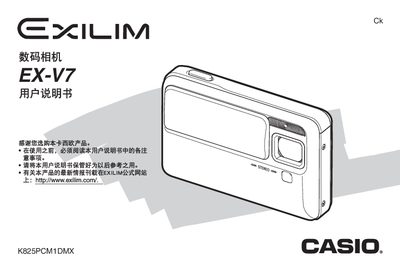
This manual guides users through opening the package, installing and charging the NP‑50 lithium‑ion battery, and configuring basic camera settings such as language, date, and time. It also covers storage‑card handling, snapshot and animation shooting modes, and advanced functions like focus, ISO, white‑balance, and image editing.
Additional sections describe how to connect the camera to a computer via USB, use the USB base and AC transformer for charging, and perform maintenance tasks such as formatting internal memory, resetting to factory defaults, and troubleshooting common issues. This manual is written in Chinese.