
Key facts
- Brand
- Casio
- Model
- EX-S9
- Category
- Digital cameras
- Industry
- Electronics
- Documents
- 2
- Languages
- EN
- Last added
- 2012-06-06
Start here
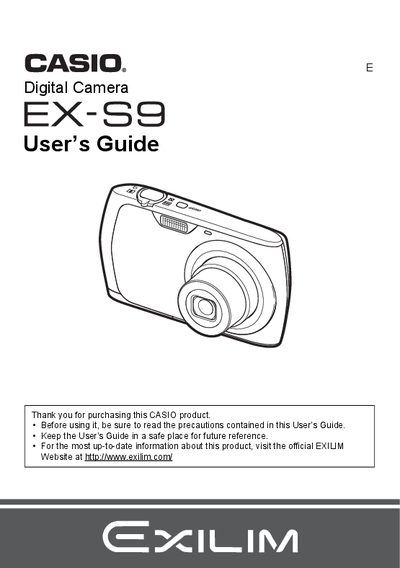
Casio EX-S9 Digital Camera User's Guide
This manual provides comprehensive instructions for using the Casio EX-S9 digital camera. It covers essential topics such as unpacking the device, charging the NP-80 battery, and configuring initial settings like date, time, and language.
The guide details how to operate the camera in various modes including snapshots, movies, and audio recording. It explains features such as Face Detection, Best Shot scenes, and image quality adjustments. Additionally, it includes instructions for viewing images on a TV or computer, printing via DPOF, and troubleshooting common issues.
Casio EX-S9 specifications
| Battery Type | Rechargeable lithium ion battery (NP-80) |
|---|---|
| Charger Model | BC-81L |
| Battery Voltage | 3.7V |
| Battery Capacity | 700 mAh |
| Charging Time | 210 minutes |
All Casio EX-S9 documents by type
Day-to-day operation, settings and troubleshooting. Start here if the product is already set up.
Questions answered in these manuals
What battery is required for the Casio EX-S9?
The camera requires a rechargeable lithium ion battery (NP-80).
How long does it take to charge the battery?
It takes 210 minutes to fully charge the NP-80 battery using the BC-81L charger.