
The document describes the features and characteristics of a digital camera called EX-V7.
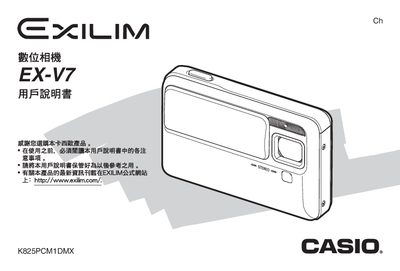
The guide walks you through unpacking the camera, installing the NP‑50 lithium‑ion battery, charging it via the USB base or AC adapter, and configuring basic settings such as language, date, time and display options. Detailed sections describe how to use memory cards, capture snapshots, record animations, adjust focus, exposure and other advanced shooting functions.
Additional chapters cover image editing, sound recording, file management, printing options, and a comprehensive troubleshooting appendix. Technical specifications for the camera, battery, power consumption, dimensions and accessories are listed in the appendix. This manual is written in Chinese.
| Display | 2.5‑inch TFT color LCD, 960×240 pixels (230,400 total) |
|---|---|
| Battery | NP‑50 lithium‑ion rechargeable, 950 mAh |
| Power consumption | 3.7 V DC, approx. 4.5 W |
| Dimensions | 95.5 mm (W) × 59.8 mm (H) × 25.5 mm (D) |
| Weight | ≈149 g (without battery and accessories) |
| USB interface | USB 2.0 high‑speed compatible |
Place the camera on the USB base or connect the AC adapter; a full charge takes about 150 minutes.
Select the format option in the memory‑card menu to format the SD card.