
This is the user manual for the CASIO EX-V7 digital camera, which contains the camera's unpacking, basic settings, taking pictures, viewing photos and other usage methods.
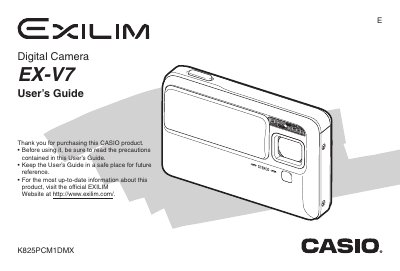
This guide walks you through unpacking the EX-V7, charging the rechargeable NP-50 battery, and getting started with basic functions such as turning the camera on, loading memory cards, and taking snapshots or movies. It also covers essential accessories like the USB cradle, AC adaptor, and strap.
Later sections detail advanced shooting modes, focus options, image editing, audio recording, file management, and how to connect the camera to Windows or Mac computers for image transfer and printing. An appendix provides specifications, troubleshooting tips, and regulatory information.
| Input Power (AC adaptor) | 100 to 240 V AC 50/60Hz 83 mA |
|---|---|
| Output Power (USB cradle) | 5.3 V DC 650 mA |
| Camera Dimensions | 111 mm (W) × 30 mm (H) × 71 mm (D) |
| Camera Weight | Approximately 69 g (2.4 oz) |
| Power Consumption | 5.3 V DC, Approximately 3.2 W |
| USB Cradle Dimensions | 50 mm (W) × 20 mm (H) × 70 mm (D) |
| USB Cradle Weight | Approximately 90 g (3.2 oz) |
Select the Reset option in the camera’s on‑screen menu to restore all settings to the initial factory defaults.