
Key facts
- Brand
- Casio
- Model
- EX-M2
- Category
- Digital cameras
- Industry
- Electronics
- Documents
- 5
- Languages
- EN · ZH
- Last added
- 2012-06-06
Start here
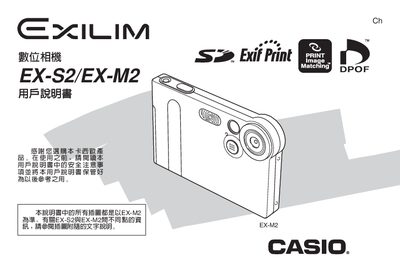
Casio EX-S2/EX-M2 Digital Camera User Manual
This manual covers the basic operation of the Casio EX‑S2 and EX‑M2 digital cameras, including unboxing, safety precautions, menu navigation, image quality settings, and the use of accessories such as the USB base and battery. It also explains how to install and use the accompanying Photo Loader and Photohands software on Windows and Macintosh systems.
Additional sections describe memory card handling, DPOF printing options, FAVORITE data management, and troubleshooting tips. Technical specifications such as dimensions, weight, power requirements, and supported storage media are listed at the end of the document.
Casio EX-M2 specifications
| Effective Pixels | 2.0 million effective pixels (2.11 million total pixels) |
|---|---|
| Monitor Screen | 1.6-inch TFT color LCD monitor screen |
| Digital Zoom | 4X digital zoom |
| Memory Card Support | SD memory cards and MMC (MultiMediaCards) |
All Casio EX-M2 documents by type
Day-to-day operation, settings and troubleshooting. Start here if the product is already set up.
Questions answered in these manuals
How do I charge the battery?
Place the camera onto the USB cradle to charge its battery.
Can I transfer images without a computer cable?
Yes, you can simply place the camera onto the USB cradle to transfer images.
How do I charge the camera’s battery?
Place the camera onto the USB cradle to charge the rechargeable lithium‑ion battery.
How can I transfer images to a computer?
Insert the camera into the USB cradle and connect it to the computer; the bundled Photo Loader software can then copy the images.
What type of battery does the EX‑S2 use?
The EX‑S2 uses a rechargeable Ni‑MH battery model NP‑20.
How can I charge the camera?
Place the camera on the USB base; it will charge automatically.