
This manual introduces the operation of the CASIO EX-S2/EX-M2 digital camera.
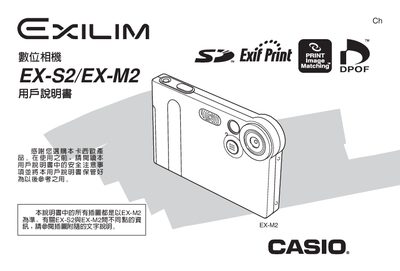
This manual covers everything needed to start using the Casio EX‑S2 and EX‑M2 digital cameras, from unpacking the accessories to configuring language, date, and image settings. It explains how to operate the LCD screen, use the USB base for charging and data transfer, and manage memory cards.
Additional sections describe safety warnings, battery handling, printing options (DPOF, PRINT Image Matching), and detailed technical specifications such as dimensions, weight, power requirements, and LCD pixel yield.
| Dimensions (EX‑S2) | 88 W × 33 H × 11.3 D mm |
|---|---|
| Dimensions (EX‑M2) | 88 W × 33 H × 12.4 D mm |
| Weight (EX‑S2) | ≈88 g (3.1 oz) |
| Weight (EX‑M2) | ≈90 g (3.2 oz) |
| Battery type | Ni‑MH rechargeable battery (NP‑20) |
| DC power consumption | 3.3 V ≈ 3.4 W |
| LCD pixel yield | 99.99 % |
The EX‑S2 uses a rechargeable Ni‑MH battery, model NP‑20.
The EX‑M2 measures 88 mm wide, 33 mm high, and 12.4 mm deep.
Place the camera on the USB base; the base supplies power to charge the battery.
The LCD panel has a pixel yield of 99.99 % of pixels meeting quality standards.