
EX-S2/EX-M2 User Manual
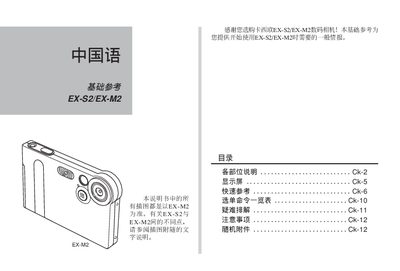
This manual explains the basic operation of the EX‑S2 and EX‑M2 digital camera/recorder, including how to power the device, insert batteries, and navigate the menu system. It also describes the functions of each physical control on the camera body and the optional LCD remote control.
Detailed sections cover recording and playback modes, image resolution options, audio recording formats, USB base charging, and safety precautions. The document ends with legal disclaimer and warranty information. This manual is written in Chinese.
| Maximum image resolution | 1600 x 1200 pixels |
|---|---|
| Supported audio format | WAVE / ADPCM |
Use the mode selector on the camera; REC mode is indicated by the REC label and PLAY mode by the PLAY label.