
This is a user manual for a camera, which contains the features and precautions of the camera
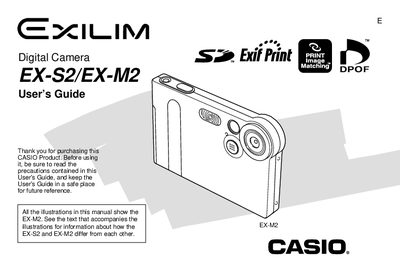
This guide walks you through unpacking, charging, and basic operation of the Casio EX‑S2 and EX‑M2 digital cameras. It covers essential functions such as image capture, flash use, self‑timer, and audio recording (EX‑M2 only), as well as how to protect and manage files on the built‑in memory and SD cards.
Additional sections explain how to connect the camera to a computer via the USB cradle, install bundled software, transfer images and audio files, and use the optional LCD remote controller. The appendix provides detailed specifications, dimensions, battery life, and power consumption data.
| Effective Pixels | 2.0 million |
|---|---|
| Lens Type | Fixed focus |
| LCD Screen | 1.6‑inch TFT color |
| Digital Zoom | 4× |
| Built‑in Flash Memory | 12 MB |
| Memory Card Support | SD and MMC |
| Battery Type | Rechargeable lithium‑ion (NP‑20) |
| Power Consumption | DC 3.7 V, approx 3.1 W |
| Dimensions (EX‑S2) | 88 mm × 55 mm × 11.3 mm |
| Dimensions (EX‑M2) | 88 mm × 55 mm × 12.4 mm |
| Weight (EX‑M2) | ≈ 90 g |
Place the camera onto the USB cradle to charge the rechargeable lithium‑ion battery.
Insert the camera into the USB cradle and connect it to the computer; the bundled Photo Loader software can then copy the images.
About 65 minutes of continuous recording (approximately 390 shots).