
This is a camera manual that introduces the features and usage of the camera, including precautions, operating conditions, viewfinder, lens, etc.
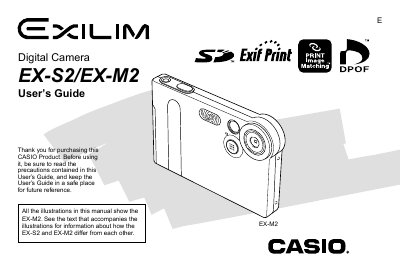
The Casio EX-S2 and EX-M2 are compact digital cameras featuring a 2.0 million effective pixel CCD sensor and a fixed focus lens for quick operation. The manual illustrates features using the EX-M2 model, which includes an audio recording function absent in the EX-S2.
Key capabilities include 4x digital zoom, support for SD memory cards and MultiMediaCards (MMC), and PRINT Image Matching II compatibility. Users can record still images or movies on the EX-M2, transfer files via USB cradle to a computer, and utilize bundled software like Photo Loader and Photohands.
| Effective Pixels | 2.0 million effective pixels (2.11 million total pixels) |
|---|---|
| Monitor Screen | 1.6-inch TFT color LCD monitor screen |
| Digital Zoom | 4X digital zoom |
| Memory Card Support | SD memory cards and MMC (MultiMediaCards) |
Place the camera onto the USB cradle to charge its battery.
Yes, you can simply place the camera onto the USB cradle to transfer images.
Yes, but only on the EX-M2 model; the EX-S2 does not have this function.