
Key facts
- Brand
- Casio
- Model
- EX-S1
- Category
- Digital cameras
- Industry
- Electronics
- Documents
- 4
- Languages
- EN
- Last added
- 2012-06-06
Start here
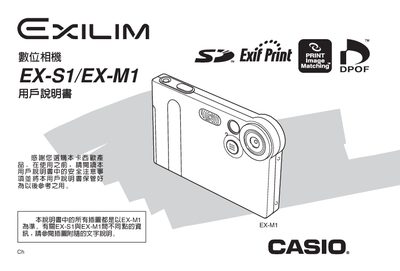
Casio EX-M1 / EX-S1 Camera User Manual
This manual introduces the EX-M1 and EX-S1 digital cameras, covering safety precautions, unboxing, and the basic components such as the camera body, USB base, and controller. It explains how to install the battery, charge it via the USB base, and configure basic settings like language, date, and time.
Detailed sections describe flash and self‑timer usage, image size and quality selection, white‑balance adjustment, playback functions, and the FAVORITE folder for quick access to favorite images. The guide also covers memory‑card handling, computer connection via USB, and printing options using DPOF‑compatible printers, followed by an appendix with dimensions, weight, and power specifications.
Casio EX-S1 specifications
| Max Folders in Memory | 900 folders |
|---|---|
| Max Files per Folder | 9,999 files |
| Audio Sampling Frequencies | 32kHz, 44.1kHz, 48kHz |
| Audio Bit Rates | 32 to 210 kbps |
| Headphone Output Power (EX-M1) | 9mW + 1mW (16 Ω) |
| Battery Life (Continuous Recording, EX-M1) | 80 minutes |
All Casio EX-S1 documents by type
Day-to-day operation, settings and troubleshooting. Start here if the product is already set up.
Questions answered in these manuals
What is the maximum number of copies I can specify for printing?
You can specify up to 99 copies; specify 00 if you do not want the image printed.
What is the maximum number of folders and files the camera can store?
The camera allows up to 900 folders in memory, with each folder capable of holding files numbered up to 9,999.
What is the difference between the EX-S1 and EX-M1 models?
The EX-M1 includes audio recording capabilities, which are not present on the EX-S1.
Can I delete all files at once?
Yes, you can select "All File Delete" in Play mode to remove all unprotected files.
How do I charge the camera?
Connect the camera to the USB dock; the CHARGE light will illuminate while charging.
What image resolutions can the camera record?
The camera supports 1600×1200, 1280×960 and 640×480 pixel resolutions.