
Key facts
- Brand
- Casio
- Model
- EX-H10
- Category
- Digital cameras
- Industry
- Electronics
- Documents
- 4
- Languages
- EN · ZH
- Last added
- 2012-06-06
Start here
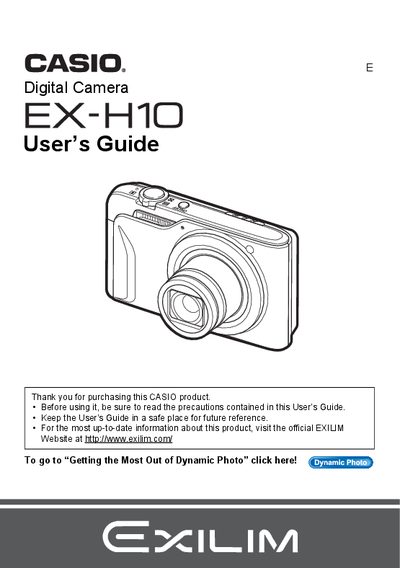
Casio EX-H10 Digital Camera User's Guide
This manual provides comprehensive instructions for operating the Casio EX-H10 digital camera. It covers essential topics such as unpacking the device, charging the NP-90 battery, configuring initial settings, and preparing a memory card. The guide details various shooting modes including snapshots, movies, face detection, and dynamic photo features.
Read onlineAll Casio EX-H10 documents by type
Day-to-day operation, settings and troubleshooting. Start here if the product is already set up.
Questions answered in these manuals
How do I turn the camera on?
Press and hold the power button to turn the camera on.
What items are included in the camera package?
The package includes a rechargeable lithium ion battery (NP-90), a charger unit (BC-90L), a power cord, a USB cable, an AV cable, and a CD-ROM.
What items are included in the camera package?
The package includes a rechargeable lithium ion battery (NP-90), a charger unit (BC-90L), a power cord, a USB cable, an AV cable, and a CD-ROM.
What is the pixel yield of the LCD panel?
The liquid crystal panel provides a pixel yield in excess of 99.99%.
How do I format the internal memory?
Select the format (initialization) function in the menu to initialize the internal storage.
How can I print photos directly from the camera?
Use the DPOF printing feature to specify which images to print and the number of copies.