
This document is the user manual for the Casio EXILIM EX-FC150 camera. It introduces the camera's features and functions.
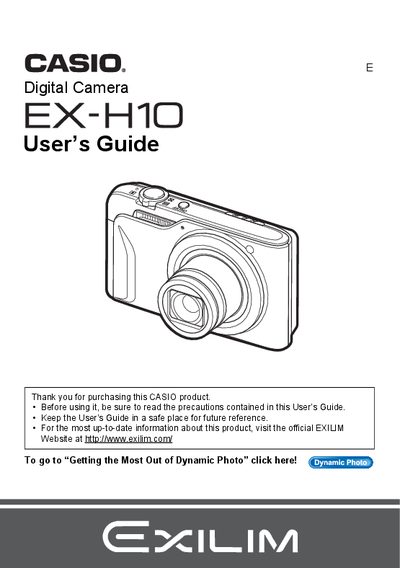
This manual provides comprehensive instructions for operating the Casio EX-H10 digital camera. It covers essential topics such as unpacking the device, charging the NP-90 battery, configuring initial settings, and preparing a memory card. The guide details various shooting modes including snapshots, movies, face detection, and dynamic photo features.
| Battery Type | Rechargeable lithium ion battery (NP-90) |
|---|---|
| Charger Unit | BC-90L |
Press and hold the power button to turn the camera on.
The package includes a rechargeable lithium ion battery (NP-90), a charger unit (BC-90L), a power cord, a USB cable, an AV cable, and a CD-ROM.
The liquid crystal panel provides a pixel yield in excess of 99.99%.
You must shoot a test shot to ensure that the camera is recording correctly.