
This document provides instructions for using CASIO products, including precautions, included items, LCD board explanation, etc. It also mentions the use of Dynamic Photo function.
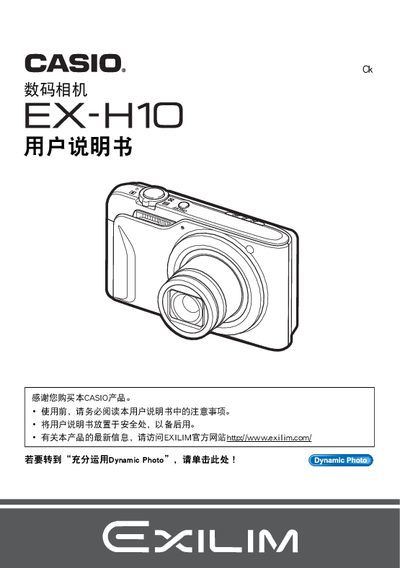
This manual covers safety precautions, package contents, and initial setup steps for the EX-H10 camera, including battery installation and basic configuration. It explains the various shooting modes, image‑setting options such as ISO, white balance, and focus, as well as playback functions and how to print photos directly from the camera.
Additional sections describe connectivity options (USB, Eye‑Fi, PC software), advanced features like Dynamic Photo and BEST SHOT, and a troubleshooting guide for common issues. The document ends with information on firmware updates and contact details for support. This manual is written in Chinese.
| Maximum Image Resolution | 640 × 480 pixels |
|---|---|
| LCD Panel Pixel Yield | 99.99% |
Select the format (initialization) function in the menu to initialize the internal storage.
Use the DPOF printing feature to specify which images to print and the number of copies.
Select the ISO sensitivity setting in the menu and choose the desired ISO value.