
This document provides information on the preparation and precautions after purchasing a CASIO product, including the features and characteristics of the product.
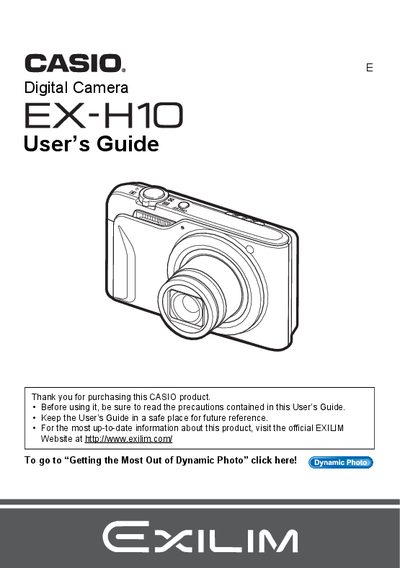
The Casio EX-H10 is a digital camera designed for capturing snapshots and recording movies. This manual provides instructions on unpacking the device, charging the battery, and configuring initial settings such as date/time and memory card formatting.
Key features covered include snapshot shooting with various modes like Face Detection and Continuous Shutter, movie recording, and advanced playback functions such as slideshow creation and image editing. The guide also details how to connect the camera to a computer for file transfer and use with Macintosh systems.
The package includes a rechargeable lithium ion battery (NP-90), a charger unit (BC-90L), a power cord, a USB cable, an AV cable, and a CD-ROM.
The liquid crystal panel provides a pixel yield in excess of 99.99%.
You must shoot a test shot to ensure that the camera is recording correctly.