
Key facts
- Brand
- Casio
- Model
- EX-H15
- Category
- Digital cameras
- Industry
- Electronics
- Documents
- 5
- Languages
- EN · JA · ZH
- Last added
- 2012-06-06
Start here
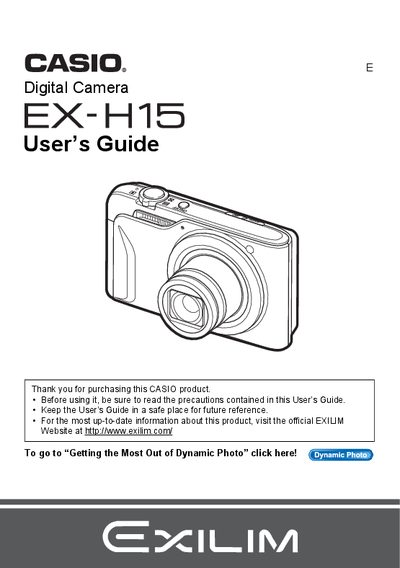
Casio EX-H15 Digital Camera User's Guide
This document is the official User's Guide for the Casio EX-H15 digital camera. It provides comprehensive instructions on unpacking the device, charging the NP-90 battery, and configuring initial settings such as memory card formatting and date/time. The guide details various shooting modes including Snapshot, Movie Recording, Voice Recording, and specialized features like BEST SHOT, Dynamic Photo, and Face Detection.
Read onlineCasio EX-H15 specifications
| Battery type | NP-90 rechargeable battery |
|---|---|
| Charger model | C-90L charger |
| LCD pixel pass rate | 99.99% pixel yield |
| USB connectivity | USB cable included |
All Casio EX-H15 documents by type
Day-to-day operation, settings and troubleshooting. Start here if the product is already set up.
Questions answered in these manuals
What items are included in the camera package?
The package includes a rechargeable lithium ion battery (NP-90), a charger unit (BC-90L), a power cord, a USB cable, an AV cable, a CD-ROM, and a Basic Reference.
What should be done before shooting final images?
You must shoot a test shot to ensure that the camera is recording correctly.
What is included in the box when you unpack your camera?
The package includes a rechargeable lithium ion battery (NP-90), a charger unit (BC-90L), a power cord, a USB cable, an AV cable, a CD-ROM, and a Basic Reference.
What should you do before shooting your final image?
You must shoot a test shot to ensure that the camera is recording correctly.
How do I format the internal memory?
Use the format (initialization) function described in the manual to reset the internal storage.
How can I connect the camera to a computer?
Connect the camera to a PC via the USB port as explained in the USB connection section.