
Key facts
- Brand
- Casio
- Model
- EX-H30
- Category
- Digital cameras
- Industry
- Electronics
- Documents
- 4
- Languages
- EN · JA
- Last added
- 2012-06-06
Start here
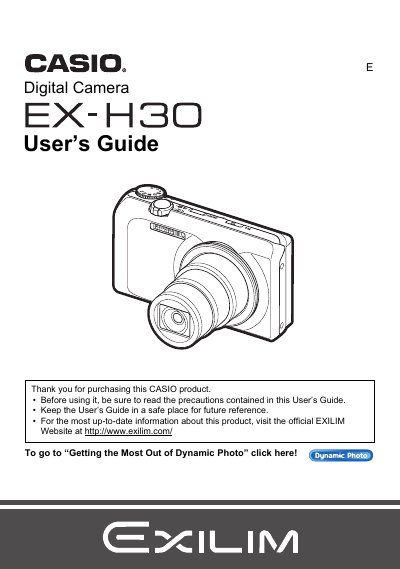
CASIO digital camera EX-H30 user guide
The Casio EX-HS is a digital camera designed for capturing snapshots and recording movies. This guide explains how to unpack the device, charge the NP-130 battery, and prepare a memory card for use. It details various shooting features including Auto Focus, Face Detection, Super Resolution Zoom, and BEST SHOT modes for specific scenes like ID photos or business cards.
The manual also covers playback functions such as viewing images on the LCD screen or TV, editing movies, and using Dynamic Photo to insert subjects into stills. Additionally, it provides instructions for connecting the camera to Windows or Macintosh computers to transfer files and manage media.
All Casio EX-H30 documents by type
Day-to-day operation, settings and troubleshooting. Start here if the product is already set up.
Questions answered in these manuals
What type of memory cards are supported?
The manual lists 'Supported Memory Cards' as a section but does not specify the exact types in the provided text.
How do I enable Power Saving mode?
You can enable Eco Mode to save power, though specific steps are detailed later in the guide under 'Enabling Power Saving'.
What items are included in the camera package?
The package includes a rechargeable lithium ion battery, a charger unit, a power cord, a strap, a USB cable, an AV cable, a CD-ROM, and a Quick Start Guide.
What should you do before shooting your final image?
You must shoot a test shot to ensure that the camera is recording correctly.
How do I format the camera's internal memory?
Select the format option in the menu to format the internal storage.
Can I print photos directly from the camera?
Yes, the camera supports direct printing via a PictBridge‑compatible printer.