
This document is about the instruction manual for Mini Digital Video Cassette HD VIDEO CAMERA RECORDER
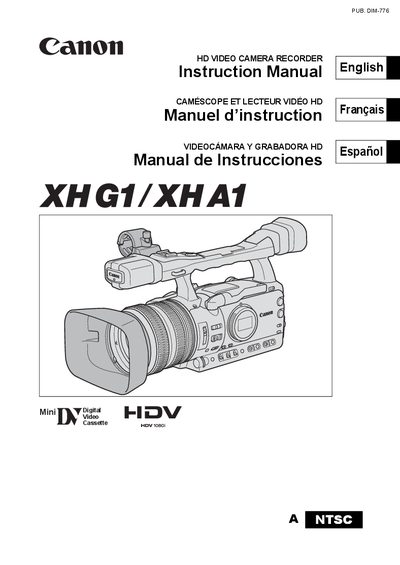
This manual covers important safety and usage instructions, including warnings about fire, electric shock, and proper handling of the camcorder. It also details the supplied accessories, power‑adapter requirements, and how to prepare the camcorder and its battery.
The guide explains how to operate the device: selecting video standards (HD or SD), recording formats (HDV/DV), using the wireless controller, loading cassettes or memory cards, adjusting settings, and troubleshooting. Warranty terms and service information are provided at the end of the document.
| Video signal standard | HD (high definition) or SD (standard definition) |
|---|---|
| Power adapter model | CA-920 Compact Power Adapter, 100‑240 V AC |
| Supported memory cards | SDHC, SD, MMC |
Read all safety and usage instructions, avoid exposing the camcorder to rain or moisture, use only recommended accessories, keep the power plug fully inserted, and do not modify the equipment unless instructed.
Connect the CA‑920 Compact Power Adapter to a 100‑240 V AC outlet; the adapter has a polarized two‑prong plug that must be fully inserted.
The camcorder can record HDV or DV on tape and can output either HD (high definition) or SD (standard definition) video signals.
It accepts SDHC, SD, and MMC (MultiMedia Card) memory cards.