
This manual provides detailed operating instructions for the MFC-J625DW, DCP-J525W, and DCP-J725DW. It covers basic operation of faxing, copying, scanning, PhotoCapture Center™ (Image Capture Center) 1, and replacing consumables, and provides troubleshooting tips.
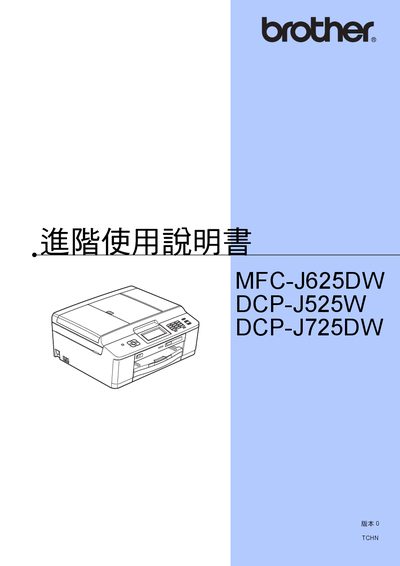
The manual covers everything needed to install and use the Brother MFC-J625DW, DCP-J525W, and DCP-J725DW printers. It includes quick‑start steps, detailed configuration of network and wireless functions, and guidance for printing, scanning, copying, and faxing.
Key sections explain how to set the date and time, adjust sleep‑mode timers, perform maintenance such as cleaning and cartridge replacement, and use advanced features like PictBridge and PhotoCapture Center. The document also provides troubleshooting tips and a glossary of terms. This manual is written in Japanese.
You can set the date and time in the printer’s settings menu; this option is only available for MFC models.