
This document is a user manual for the Brother MFC-8880DN printer, which introduces the product's environmental concept and usage precautions.
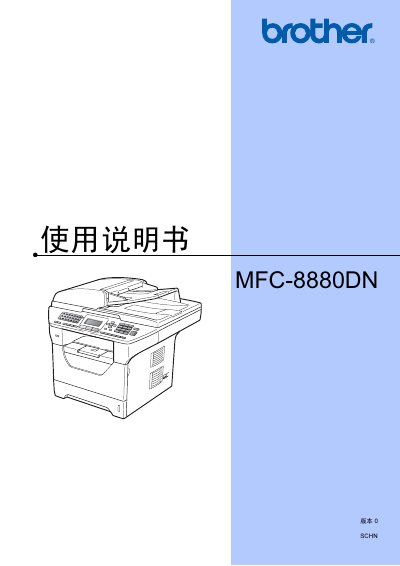
This manual introduces the MFC-8880DN multifunction printer, covering environmental considerations, safety features, and basic information about the device. It explains how to load paper, install the automatic document feeder, and configure general settings such as paper type and size.
The guide details the operation of each function—printing, copying, scanning, and faxing—including how to adjust settings, use the scanner lamp, manage fax security, and connect to software or network services. Safety locks, administrator passwords, and remote fax options are also described. This manual is written in Chinese.
| Fusing unit voltage | 230V |
|---|
The scanner lamp can be turned off using the option described as "关闭扫描器灯" in the manual.
The manual explains that you can set or change the administrator password via the "设置管理员密码" function.