
Key facts
- Brand
- Yamaha
- Model
- FX500
- Category
- Other
- Industry
- Appliances
- Documents
- 2
- Languages
- EN
- Last added
- 2012-07-03
Start here
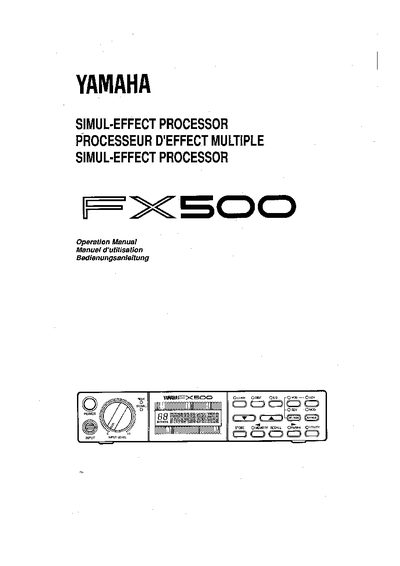
Yamaha FX500 Simul-Effect Processor Operation Manual
The Yamaha FX500 is a high-performance digital signal processor designed for use with electric guitars, electronic keyboards, or other instruments. It features a chain of up to six independent effects stages, including compressor, distortion, equalizer, modulation (chorus, flanger, symphonic, tremolo), and reverb/delay. The device offers 60 pre-programmed ROM effect programs and 30 RAM memory locations for user-created custom signal-processing chains.
Read onlineYamaha FX500 specifications
| Number of Effects Stages | Up to 6 independent effects |
|---|---|
| ROM Memory Locations | 60 |
| RAM Memory Locations | 30 |
| Compatible Instruments | Electric guitars, electronic keyboards or other instruments |
Source: Yamaha FX500 Simul-Effect Processor Operation Manual
All Yamaha FX500 documents by type
Day-to-day operation, settings and troubleshooting. Start here if the product is already set up.
Questions answered in these manuals
What types of effects does the FX500 include?
The FX500 includes compressor, distortion, equalizer, modulation (chorus, flanger, symphonic, tremolo), and reverb/delay stages.
Can the order of modulation and reverb stages be changed?
Yes, the order of the modulation and reverb stages can be reversed.
How can I control effect parameters with MIDI?
Assign two MIDI controllers to any two effect parameters; the FX500 accepts MIDI PROGRAM CHANGE and CONTROL CHANGE messages for real‑time control.
From: Yamaha FX500 User Manual
What should I do if the backup battery warning appears on the display?
Have the backup battery replaced by qualified Yamaha service personnel; do not attempt to replace it yourself.
From: Yamaha FX500 User Manual