
Key facts
- Brand
- Yamaha
- Model
- KX5
- Category
- Other Electronics
- Industry
- Electronics
- Documents
- 5
- Languages
- EN
- Last added
- 2012-07-02
Start here
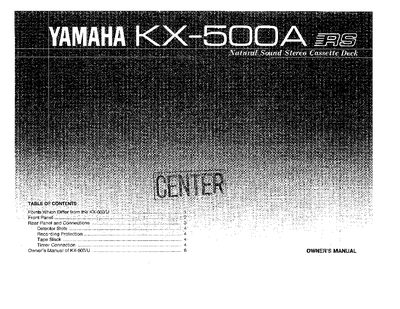
Yamaha KX-500A Stereo Cassette Deck Owner's Manual
The Yamaha KX-500A is a natural sound stereo cassette deck that includes an added microphone amplifier compared to the KX-500/U model. It supports wireless remote control operation via a separate transmitter and features a built-in remote sensor. The unit allows users to select between LINE or MIC inputs using a slide switch on the rear panel.
Read onlineYamaha KX5 specifications
| Keyboard Range | 37 keys C2 ~ C5 |
|---|---|
| Tone Selectors | BANK (1 ~ 4), VOICE (1~ 8) |
| Controls | SUSTAIN, PORTAMENTO, MODE, TRANSPOSE, MIDI |
| Power Source | 6 'AA' or R6 Battery |
| Battery Life | 7 hours in continuous use |
| Dimensions (WxHxD) | 914 x 80x 191mm |
| Weight | 3.7kg (8.2 Ibs.) |
All Yamaha KX5 documents by type
Day-to-day operation, settings and troubleshooting. Start here if the product is already set up.
Questions answered in these manuals
What is the correct order to turn on the KX5 and receiving keyboard?
Turn the receiving keyboard ON first, then turn ON the KX5.
How many batteries does the KX5 require?
The KX5 requires six 'AA' or R6 batteries.
What types of tapes is the KX-55 compatible with?
The deck is suited for Normal, Chrome (CrO2), or Metal tapes but is not adjustable for use with Ferrichrome tapes.
Does the KX-55 have a microphone input?
No, this deck provides no microphone terminal as it is exclusive for line-recording.
Does the KX-500A include a remote control transmitter?
No, it does not include a remote control transmitter or batteries but is equipped with a remote control sensor.
How do I select between LINE and MIC inputs?
Use the slide switch next to the terminals on the rear panel to select either 'LINE' or 'MIC'.