
Key facts
Start here
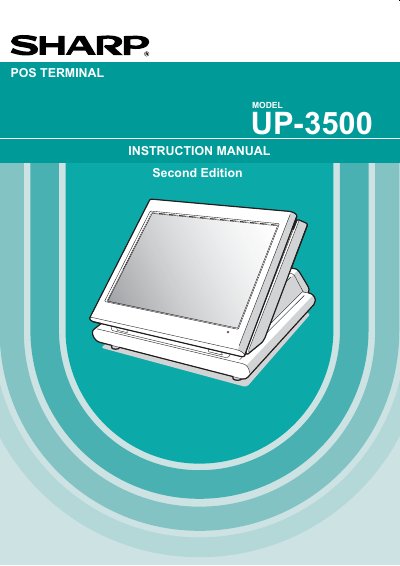
Sharp UP-3500 POS Terminal Instruction Manual
This manual provides instructions for the Sharp UP-3500 POS Terminal, a device designed for retail and food service environments. It covers essential topics such as installation precautions, connecting peripherals like printers and scales, and basic operational procedures including cashier sign-on and item entry.
Read onlineSharp UP-3500 specifications
| Power Requirement | 120V + 10% AC |
|---|---|
| Device Class | Class A digital device |
| Battery Type | Nickel Metal Hydride |
All Sharp UP-3500 documents by type
Day-to-day operation, settings and troubleshooting. Start here if the product is already set up.
Questions answered in these manuals
What should I do before using the terminal for the first time?
Allow the unit to be recharged for a period of 24 to 48 hours prior to use.
Can I repair the terminal myself if it malfunctions?
No, you should call your local authorized dealer for service.
How long should the unit be recharged before initial use?
It is recommended that each unit be allowed to recharge for a period of 24 to 48 hours prior to use.
What type of battery does this terminal contain?
The terminal contains a Nickel Metal Hydride Battery.
How should the Sharp UP-3500 be powered?
Plug the terminal into a standard 120 V AC wall outlet using the supplied AC adaptor.
What type of battery does the Sharp UP-3500 use?
It uses a rechargeable Nickel‑Metal‑Hydride battery.