
Key facts
- Brand
- Sharp
- Model
- EL-9900
- Documents
- 2
- Languages
- EN
- Last added
- 2012-08-02
Start here
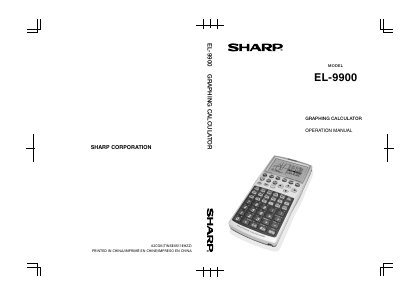
SHARP EL-9900C Manual
The Sharp EL-9900 is a powerful graphing calculator designed to handle complex mathematical formulas used in fields ranging from middle-school arithmetic to high-school calculus. It features a reversible keyboard that allows users to switch between Basic Mode (green background) for lower grades and Advanced Mode (blue background) for higher-level mathematics.
The manual provides comprehensive instructions on operating the device, including standard calculations, graphing capabilities (parametric, polar, sequences), matrix and list operations, statistical analysis with regression and hypothesis testing, financial calculations, and equation solving. It also details slide show functions and various setup options.
All Sharp EL-9900 documents by type
Day-to-day operation, settings and troubleshooting. Start here if the product is already set up.
Questions answered in these manuals
What are the two keyboard modes available on this calculator?
The calculator has a reversible keyboard that allows you to select Basic Mode or Advanced Mode.
From: SHARP EL-9900C Manual
Which mode is suitable for lower grades?
Basic Mode, which features a green background color and basic mathematical functions, is suitable for learning mathematics in lower grades.
From: SHARP EL-9900C Manual
What mathematical topics does the Sharp EL-9900 calculator cover?
The device supports basic arithmetic, algebra, calculus, statistics, trigonometry, and programming.
How do you calculate 30% of 400 on the Sharp EL-9900?
Enter 400, multiply by 30%, then press ENTER to get an answer of 120.