
Key facts
- Brand
- Sharp
- Model
- XE-A203
- Category
- Other Electronics
- Documents
- 2
- Languages
- EN
- Last added
- 2012-08-02
Start here
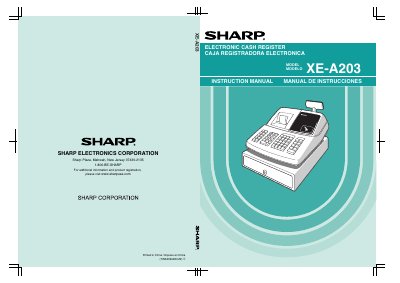
Sharp XE-A203 Electronic Cash Register Instruction Manual
The document serves as a comprehensive instruction manual for the Sharp XE-A203 electronic cash register. It covers essential topics including parts identification, daily sales entry procedures, tax calculations, and various transaction types such as charge sales and refunds.
A significant portion of the guide is dedicated to programming the device. It details how to set up dates and times, configure automatic and manual taxes, program departments and PLUs (Price Look-Up), and customize text messages. The manual also includes instructions for using an SD memory card to save data and restore settings.
Sharp XE-A203 specifications
| Power Supply | 120V AC ±10% |
|---|---|
| Battery Type | Three alkaline batteries LR6 ("AA") |
| Printer Type | One station type thermal printer |
Source: Sharp XE-A203 Electronic Cash Register Instruction Manual
All Sharp XE-A203 documents by type
Day-to-day operation, settings and troubleshooting. Start here if the product is already set up.
Questions answered in these manuals
What should I do if the register malfunctions?
Call 1-800-BE-SHARP for service and do not try to repair the register yourself.
From: Sharp XE-A203 Electronic Cash Register Instruction Manual
Can I install batteries before initializing the cash register?
No, you must initialize the register first; otherwise, distorted memory contents and malfunction may occur.
From: Sharp XE-A203 Electronic Cash Register Instruction Manual
How do I initialize the Sharp XE‑A203 cash register?
Insert the manager (MA) key, turn the mode switch to REG, plug the AC power cord in, and listen for three buzzer beeps; the display will show 0.00 and “NO BATTERY”.
From: SHARP EX-A203 Manual
What batteries are required for the XE‑A203?
Three new alkaline LR6 (“AA” size) batteries must be installed after the register has been initialized.
From: SHARP EX-A203 Manual