
Key facts
- Brand
- Sharp
- Model
- RW-5100
- Category
- Other Electronics
- Industry
- Electronics
- Documents
- 2
- Languages
- JA
- Last added
- 2011-10-02
Start here
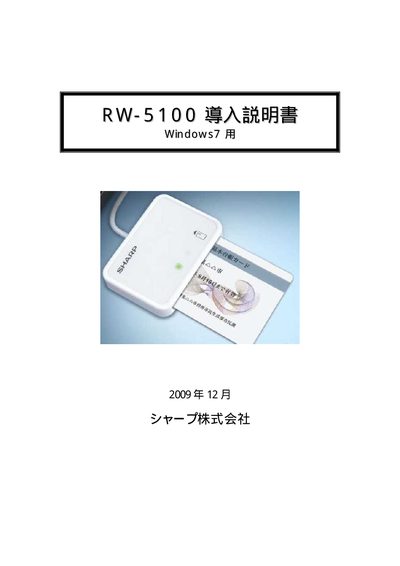
RW-5100 Import Manual(1)
The Sharp RWL 5100 is an IC card reader that requires driver software to operate on a Windows 7 PC. This document provides step‑by‑step instructions for installing the driver, either via Windows Update when an internet connection is available or by using the manual installer.
It also describes the required system environment, supported card types, and the procedure for safely removing the driver when it is no longer needed. This manual is written in Japanese.
All Sharp RW-5100 documents by type
Mounting, wiring and first power-up. Read it before the hardware goes in.
Questions answered in these manuals
Which operating system is required for the Sharp RWL 5100 driver?
The driver is designed for Windows 7 environments using the PC/SC specification.
From: RW-5100 Import Manual(1)
Is an internet connection needed to install the driver?
An internet connection is required for the Windows Update installation method, but a manual installer can be used offline.
From: RW-5100 Import Manual(1)
How do I install the RW‑5100 driver on Windows 7?
If the PC is connected to the Internet, you can install the driver automatically via Windows Update; otherwise download the driver installer from Sharp’s website and run it.
What type of IC cards does the RW‑5100 support?
The RW‑5100 works only with contact‑type IC cards that have metal terminals.