
Sharp UP-3500 POS Terminal Instruction Manual

This is an instruction manual that introduces the operation methods of UP-3500 POS terminal.
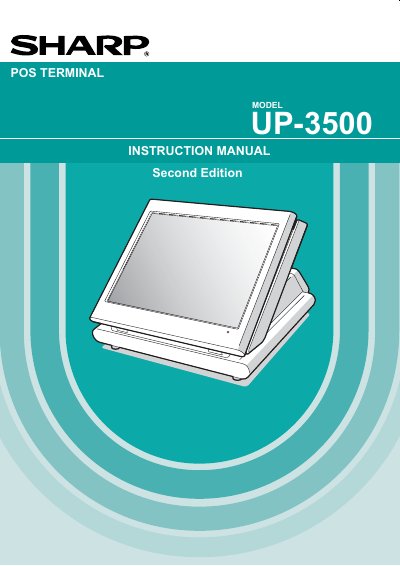

Sharp UP-3500 POS Terminal Instruction Manual - cover page
Brand
Sharp
Category
pos terminal
Document type
User Manual
Language
English
Pages
269
File format
PDF
File size
3.1 MB
Published
07 August, 2012
Updated
30 September, 2023
Model
UP-3500
MD5 checksum
36853A659585B10F8D8AF3D100D1B355

About this manual

This manual provides instructions for the Sharp UP-3500 POS Terminal, a device designed for retail and food service environments. It covers essential topics such as installation precautions, connecting peripherals like printers and scales, and basic operational procedures including cashier sign-on and item entry.

What's inside

  • Part Names and Functions
  • Before Operating the POS Terminal
  • Prior to Making Entries
  • Entries
  • Corrections
  • Printing Function
  • Programming
  • Data Saving or Loading
  • Operator Maintenance
  • Specifications

Specifications

Power Requirement120V + 10% AC
Device ClassClass A digital device
Battery TypeNickel Metal Hydride

Frequently asked questions

What should I do before using the terminal for the first time?

Allow the unit to be recharged for a period of 24 to 48 hours prior to use.

Can I repair the terminal myself if it malfunctions?

No, you should call your local authorized dealer for service.

What type of battery does the terminal contain?

It contains a Nickel Metal Hydride Battery.

Download PDF (3.1 MB)

More Sharp Manuals


View all Sharp manuals →