
Key facts
Start here
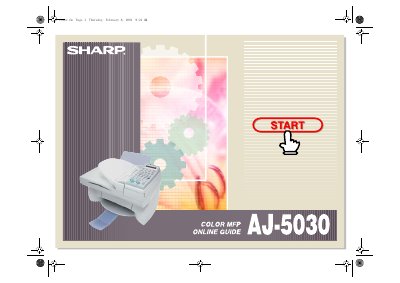
Sharp AJ5030 Interface Software User Manual
The Sharp AJ5030 software suite consists of two main components: the SHARP AJ5030 Control Panel and the SHARP AJ5030 Desktop. The Control Panel allows users to program auto-dial numbers for e-mail and fax, as well as change and align print cartridges on the Sharp Color MFP unit. The SHARP AJ5030 Desktop serves as a centralized base for managing and manipulating documents coming from or going to the Color MFP unit.
Read onlineSharp AJ-5030 specifications
| Printer type | Color thermal inkjet, dual cartridge |
|---|---|
| Print speed (Color) | 3.5 ppm |
| Print speed (Black) | 7.5 ppm |
| Copy speed (Color) | 3.5 cpm |
| Copy speed (Black) | 7.5 cpm |
| Fax memory size | 512 KB |
| Modem speed | 14,400 bps |
| Scan resolution (Optical) | 600 × 600 dpi |
| Power requirements | 120 V AC, 60 Hz |
| Paper tray capacity | 100 sheets |
Source: Sharp AJ-5030 Color Inkjet All-in-One Operation Manual
All Sharp AJ-5030 documents by type
Day-to-day operation, settings and troubleshooting. Start here if the product is already set up.
Questions answered in these manuals
What is the maximum number of copies per original?
The maximum number of copies per original is 50 for black copies only.
From: Sharp AJ-5030 Color Inkjet All-in-One Operation Manual
How many pages can the auto document feeder scan at once?
The auto document feeder can scan a maximum of 10 pages.
From: Sharp AJ-5030 Color Inkjet All-in-One Operation Manual
What is the Sharp AJ5030 software?
The software consists of the SHARP AJ5030 Control Panel and the SHARP AJ5030 Desktop.
What is the purpose of the SHARP Desktop?
It serves as a centralized base for managing and manipulating documents coming from or going to the Color MFP unit.