
Key facts
- Brand
- Sharp
- Model
- ER-A160
- Category
- Other device
- Documents
- 2
- Languages
- EN
- Last added
- 2012-05-03
Start here
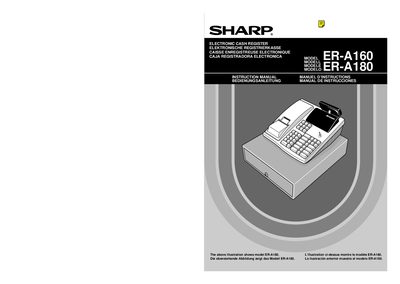
Sharp ER-A160/ER-A180 Cash Register User Manual
This manual covers the installation of the Sharp ER-A160/ER-A180 electronic cash register, including safety cautions, wiring requirements and initial setup steps such as fixing the drawer and initializing the unit. It also explains how to install the required three AA (R6/LR6) batteries and how to replace them when low‑battery warnings appear.
Detailed sections describe the keyboard layout, mode switch functions, sales entry procedures, VAT/tax programming, and operator maintenance tasks like paper roll and ink ribbon replacement. The document finishes with specifications, wiring colour codes for the UK market, and environmental disposal instructions for the battery.
Sharp ER-A160 specifications
| Noise level (ER-A160) | 56 dB(A) |
|---|---|
| Noise level (ER-A180) | 57 dB(A) |
| Battery type | Three R6 or LR6 (AA) batteries |
| Number of departments (ER-A160) | 10 or 15 |
All Sharp ER-A160 documents by type
Day-to-day operation, settings and troubleshooting. Start here if the product is already set up.
Questions answered in these manuals
How many batteries does the Sharp ER-A160/ER-A180 cash register require?
It requires three R6 or LR6 (AA) batteries.
What is the noise level of the ER-A180 model?
The ER-A180 has a noise level of 57 dB(A).
How should the microwave oven be grounded?
The oven must be plugged into a properly grounded outlet using its 3‑prong grounding plug.
Can metal twist‑ties be used inside the microwave?
No, metal twist‑ties must not be used in the microwave oven.