
Key facts
- Brand
- Sharp
- Model
- W516
- Category
- Other Electronics
- Documents
- 2
- Languages
- EN
- Last added
- 2012-08-02
Start here
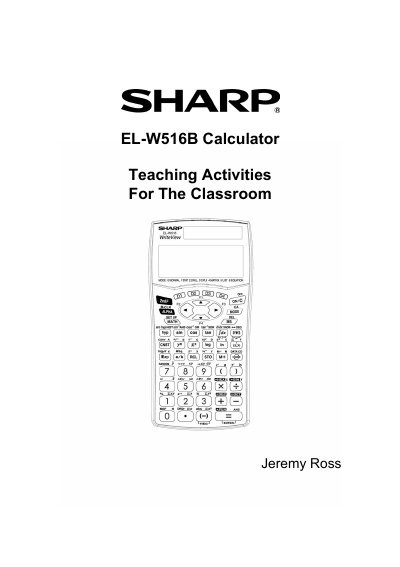
Sharp EL-W516B Calculator Teaching Activities Manual
The document is a user guide for the Sharp EL-W516B WriteView calculator, specifically designed for educational use. It details the calculator's layout, special functions, and various modes including Normal, Stat, Drill, Complex, Matrix, List, and Equation modes. The guide explains how to perform calculations involving fractions, powers, roots, trigonometric functions, and statistics.
Read onlineSharp W516 specifications
| Modes | NORMAL, STAT, DRILL, CPLX, MATRIX, LIST, EQUATION |
|---|---|
| Angle Units | Degrees, Radians, Grads |
| Display Notation | Five display notation systems |
Source: Sharp EL-W516B Calculator Teaching Activities Manual
All Sharp W516 documents by type
Day-to-day operation, settings and troubleshooting. Start here if the product is already set up.
Questions answered in these manuals
How do I set the calculator to degrees?
Press [2nd] [DRG], then press (0) for degrees, (4) for radians, or (2) for grads.
How do I enter fractions?
Enter the numerator, press [/o], enter the denominator, and then press [=].
How do I reset the calculator?
Press the RESET switch on the back with the tip of a ball‑point pen or similar object.