
Key facts
Start here
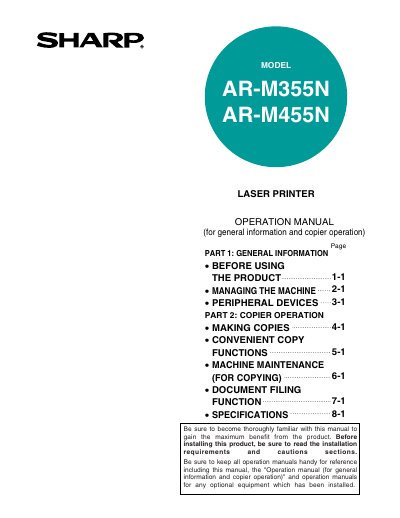
Sharp AR-M355N/AR-M455N Laser Printer Operation Manual
This document serves as the Operation Manual for the Sharp AR-M355N and AR-M455N Laser Printers. It covers general information regarding product configurations, installation requirements, and safety precautions before using the machine.
The guide details procedures for making copies, utilizing convenient copy functions, performing machine maintenance specific to copying tasks, and managing document filing. It also includes instructions for operating peripheral devices.
Sharp AR-M455N specifications
| Laser Wave length (North America) | 785 nm +10 nm -15 nm |
|---|---|
| Pulse times (35 cpm model, North America) | (4.1 µs ± 4.1 ns)/7 mm |
| Pulse times (45 cpm model, North America) | (5.7 µs ± 5.7 ns)/7 mm |
| Output power | 0.2 mW - 0.4 mW |
Source: Sharp AR-M355N/AR-M455N Laser Printer Operation Manual
All Sharp AR-M455N documents by type
Day-to-day operation, settings and troubleshooting. Start here if the product is already set up.
Questions answered in these manuals
What operating systems are supported for configuring the printer driver?
The manual lists Windows 95/98/Me, Windows NT 4.0/2000/XP/Server 2003, and Windows Me as supported systems.
How do you access the printer driver properties in Windows 2000 or XP?
In Windows 2000, select the printer icon and click [Printing Preferences], while in Windows XP, click the [Preferences] button.
What are the installation requirements for the machine?
The machine should be installed near an accessible power outlet that meets specified voltage and current requirements, ensuring it is properly grounded.
From: Sharp AR-M355N/AR-M455N Laser Printer Operation Manual
What safety precautions should be observed regarding the fusing unit?
The fusing unit is extremely hot, so users must exercise care in this area to avoid injury.
From: Sharp AR-M355N/AR-M455N Laser Printer Operation Manual