
Key facts
- Brand
- Sharp
- Model
- EL-531V
- Documents
- 2
- Languages
- IT · EN
- Last added
- 2026-10-15
Start here
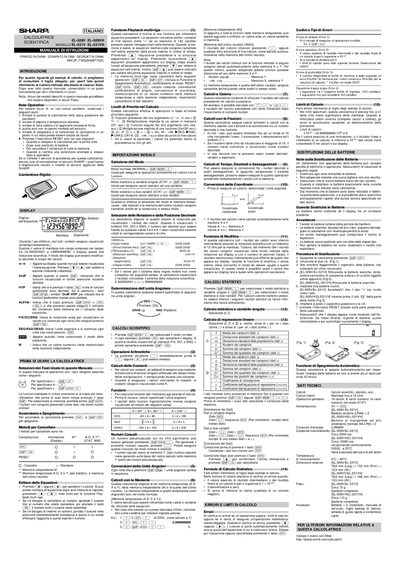
SHARP EL-509V/EL-531V Scientific Calculator User Manual
This document is the official Italian user manual for the SHARP EL-509V and EL-531V scientific calculators. It provides comprehensive instructions on operating the device, including basic arithmetic, scientific calculations, coordinate conversions, and statistical analysis modes.
The guide details how to use various display symbols such as DEG, RAD, GRAD, FIX/SCI/ENG, and indicators for memory or hyperbolic functions. It explains methods for entering equations, handling errors like syntax or overflow, performing time and decimal calculations, and managing the calculator's internal memories. This manual is written in Italian.
Sharp EL-531V specifications
| Calculation Precision | 12 digits for mantissa |
|---|---|
| Equation Length Limit | 142 characters |
| Calculation Limits | ±10^-99 to ±9.999999999 × 10^99 |
| Random Number Generation | 3 significant digits |
Source: SHARP EL-509V/EL-531V Scientific Calculator User Manual
All Sharp EL-531V documents by type
Day-to-day operation, settings and troubleshooting. Start here if the product is already set up.
Questions answered in these manuals
When should the RESET switch be pressed?
Press the RESET switch when using the calculator for the first time, after replacing batteries, to clear all memory content, or if an abnormal condition occurs.
From: SHARP EL-509V/EL-531V Scientific Calculator User Manual
What does the '2ndF' indicator mean?
The '2ndF' symbol appears when the orange-colored functions above a key are enabled.
From: SHARP EL-509V/EL-531V Scientific Calculator User Manual
When should I press the RESET switch?
Press the RESET switch when using the calculator for the first time, after replacing batteries, to clear all memory contents, or when an abnormal condition occurs.
How many temporary memories does this calculator have?
The calculator has 6 temporary memories designated as A-D, X, and Y.